
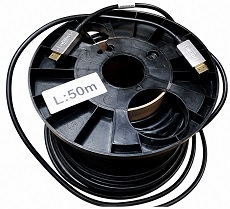
Comparing the cost and performance of UHD50 distribution via HDMI 2.0 versus Coax
For years, getting HDMI across a room — let alone across a venue — meant dragging around heavy copper cables, repeaters, boosters, and praying you didn’t get sparkles or dropouts.. The good news is those days are over and you can now recycle those heavy cables because they are obsolete!
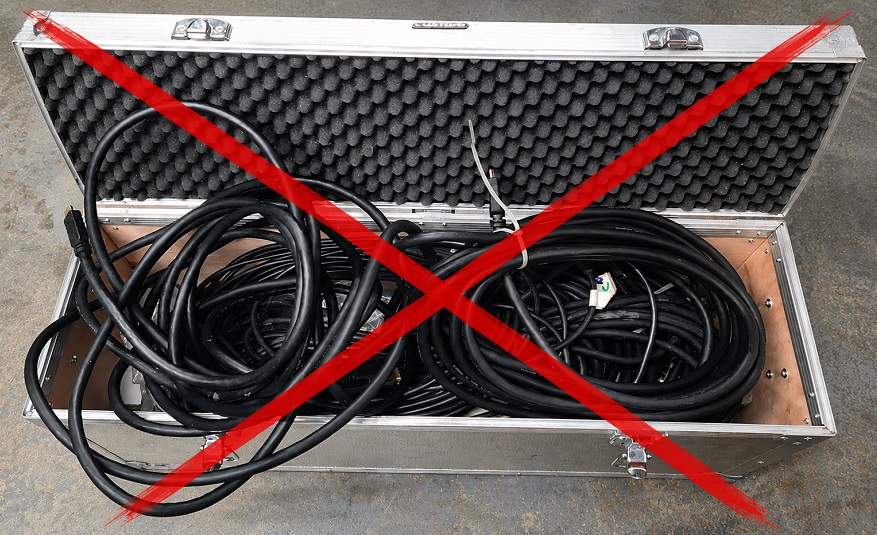
With the advent of optical HDMI extenders using multimode fibre, there is no longer any need for heavy‑duty cabling. Using a combination of multimode fibre and copper, these extenders are powered from the source and support long runs of up to 300 m (according to the manufacturer). The end connected to the HDMI source performs electrical‑to‑optical conversion, and the end connected to the receiver performs optical‑to‑electrical conversion. Power and signalling are carried via copper wires surrounding the multimode optical fibre.
Taking some advice from Spencer, who is our resident fibre guru, the limiting factor with multimode fibre used for HDMI extension is modal dispersion rather than attenuation. Modal dispersion has a similar effect to jitter, progressively reducing the width of the eye opening. Modal dispersion is less of a problem with single‑mode fibre, which would likely extend the range to several kilometres rather than 300 m.
However, most HDMI extenders use OM3 fibre, which is multimode and therefore has a limited range.
How does the HDMI optical extender compare to coax in tests?
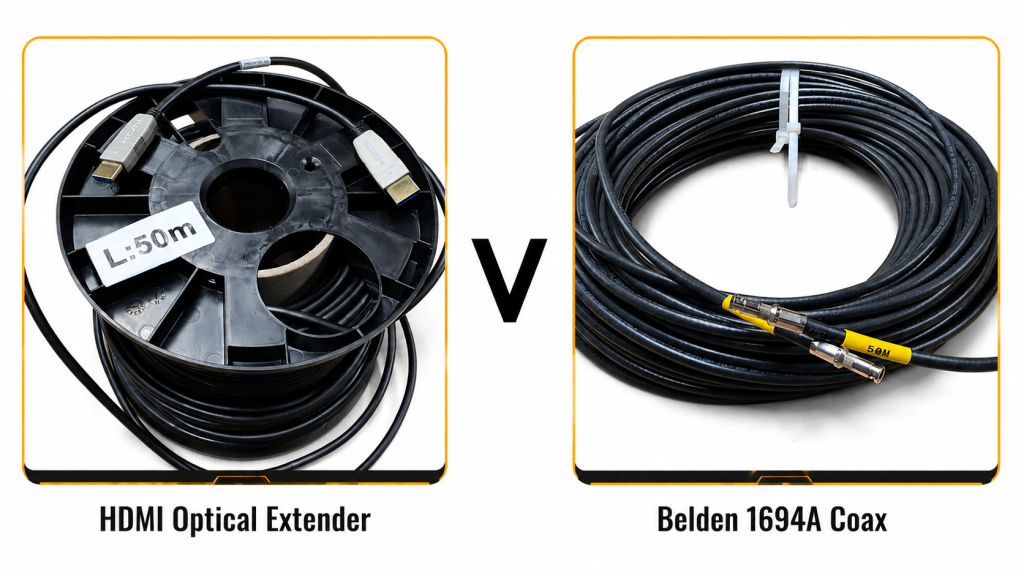
Using a Chromatec SMP-MV32R-12 multiviewer with integrated router — which has four reclocked HDMI 2.0 outputs — and with the screen resolution set to UHD50, I compared a 50 m length of HDMI optical extender versus 50 m of Belden 1694A coax.
The MV‑1232R screen output is generated at 3840×2160 resolution at 50/59/60 Hz. The output format is YCbCr 4:2:2 10‑bit, which is a SMPTE ST‑2082 format used to transmit UHD50 over coax at 11.88 Gbit/s (usually referred to as 12G‑SDI). The 12G‑SDI signal is simultaneously sent to a Semtech GS12170 SDI/HDMI bridge to convert the signal into an HDMI 2.0‑compliant format with TMDS signalling. The SMP-MV32R-12 also uses a Texas Instruments TDP158RSBT HDMI reclocker located at each HDMI output connector. HDMI has three data lanes and a clock, so the effective data rate on each lane is 5.94 Gbit/s.
The signal path for the 12G‑SDI output is routed to a Semtech GS12281 cable driver with integrated reclocker located at the output BNC. For the purpose of checking signal integrity, the 12G‑SDI screen output was fed into a second SMP-MV32R-12, which was configured to display the input format and CRC status on its output screen.
Finally, I was able to compare 50m of high quality Belden 1694A coax with 50m HDMI optical extender.
No CRC errors were detected in the SDI path with the 50 m length. Increasing this to 70 m was also error‑free, but thereafter CRC errors progressively increased. My selection of test cables is not that large, and using BNC barrels to join lengths together to increase the overall length didn’t work particularly well.
I could only check the HDMI output visually and listen to the audio for any clicks or pops — and there were none. I would have liked to measure the received jitter or eye diagram, perhaps using a storage scope at the receiver, but given the receiver is located inside the Samsung M7 display, that just wasn’t possible.
I paid about £50 for the HDMI cable extender from Amazon, which compares favourably with a factory‑terminated Belden 1694A or equivalent coaxial cable, which would retail for at least double that.
Summary and Conclusion
Whilst not extensive testing by any means, I was pleasantly surprised by the performance of the HDMI optical extender. Although I only tested the 50 m extension, I have no reason to doubt that it would easily outperform 12G‑SDI over coax at a fraction of the cost. This works well for routing multiviewer outputs to a screen located in a different location, and I will certainly be recommending optical extenders for use with our products.